
A/B Testing
Start A/B testing with AI, without writing code.
Turn AI improvement ideas into tests. Run validation and review results in one screen.
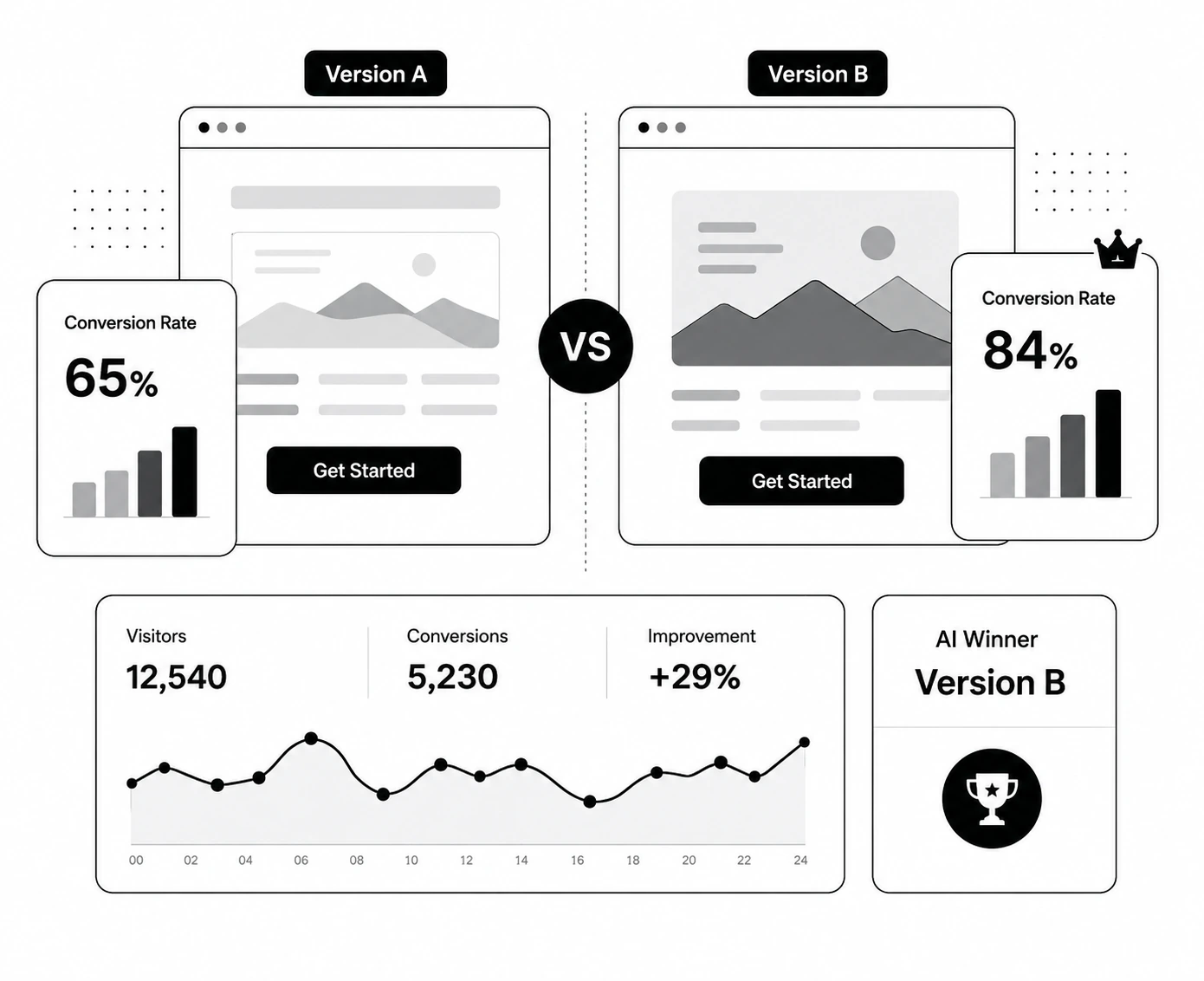
Three test types for every goal
Every type shares the same results dashboard
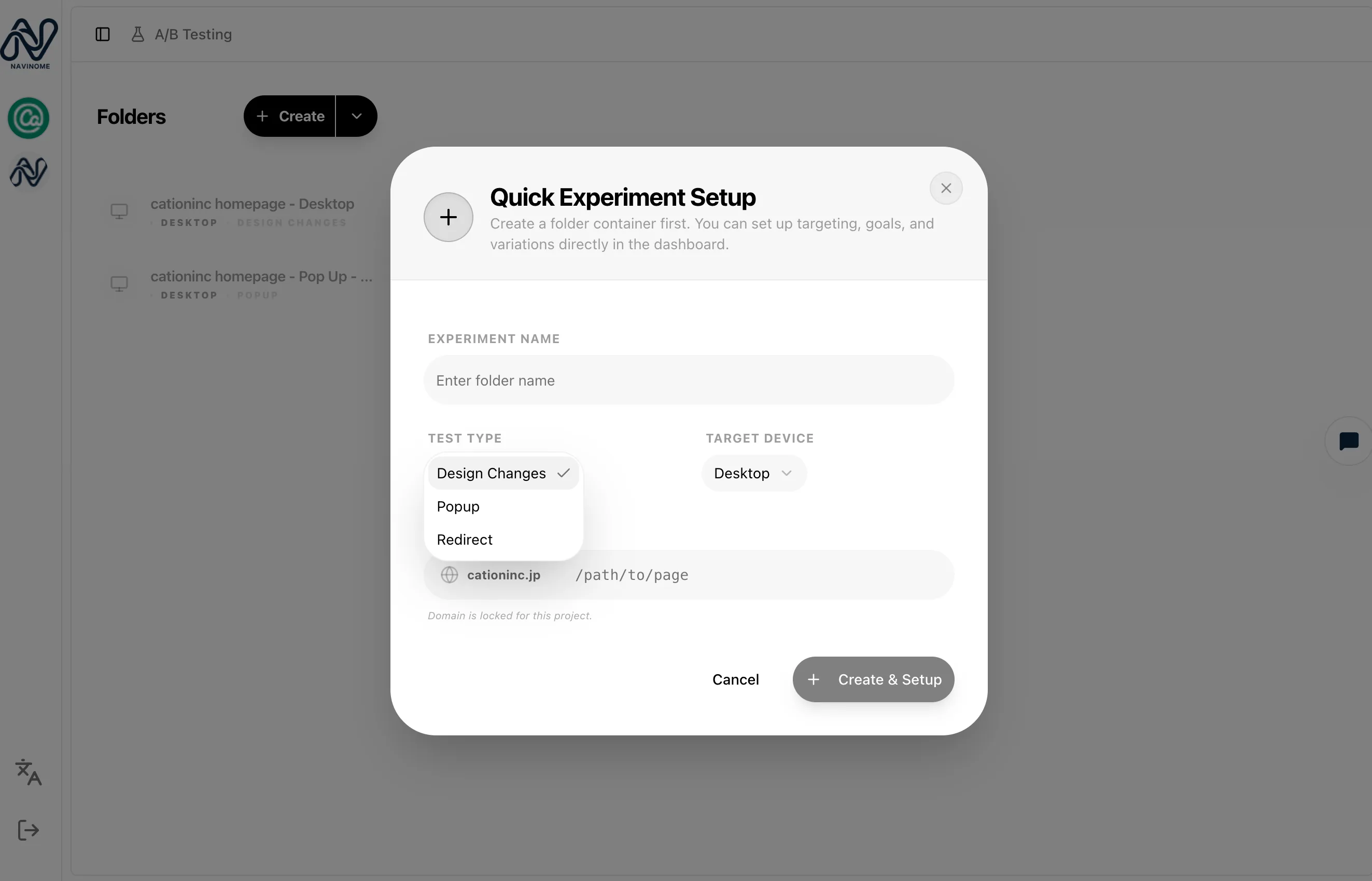
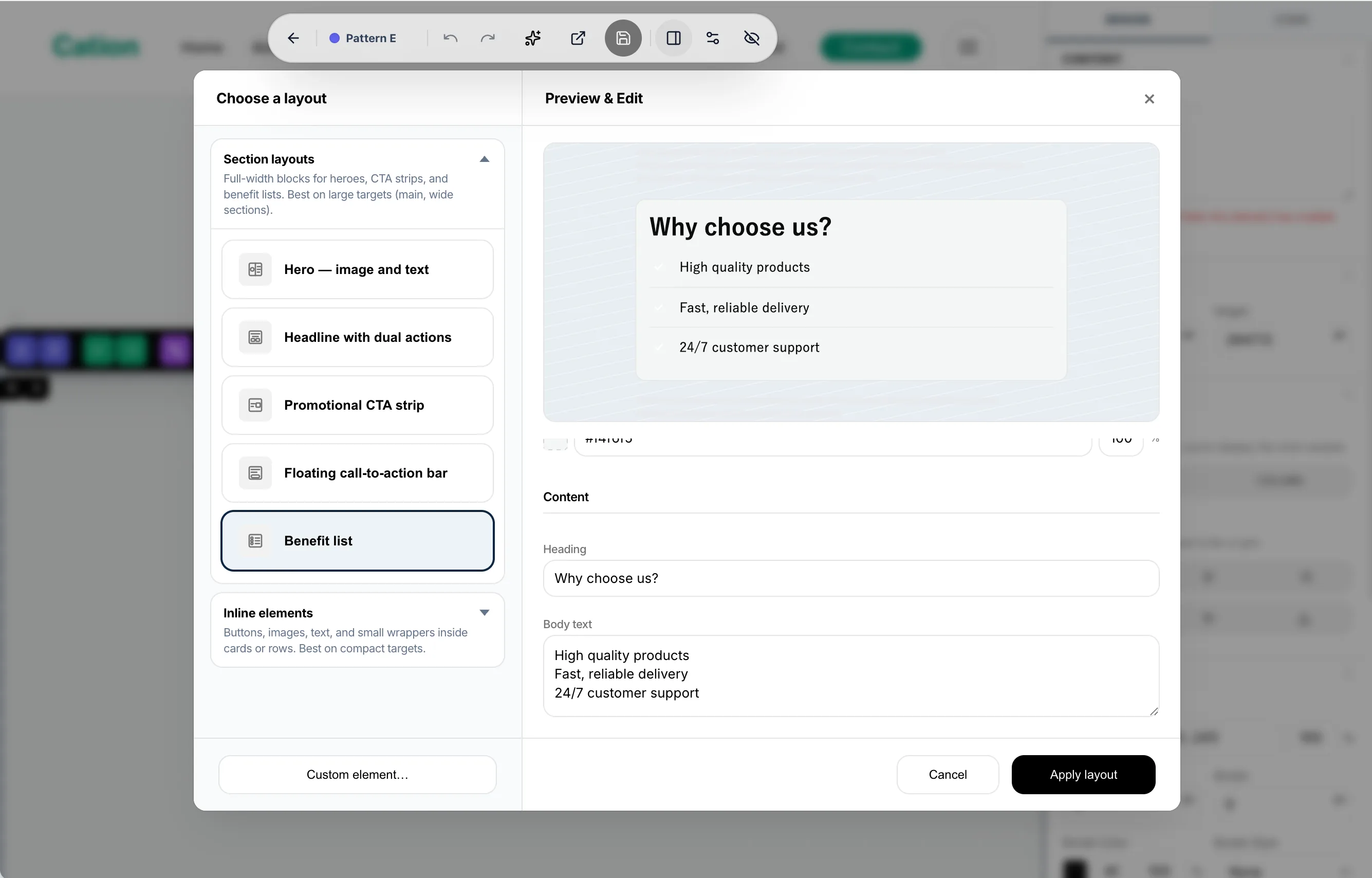
Design changes
Edit text, images, buttons, and other on-page elements directly.
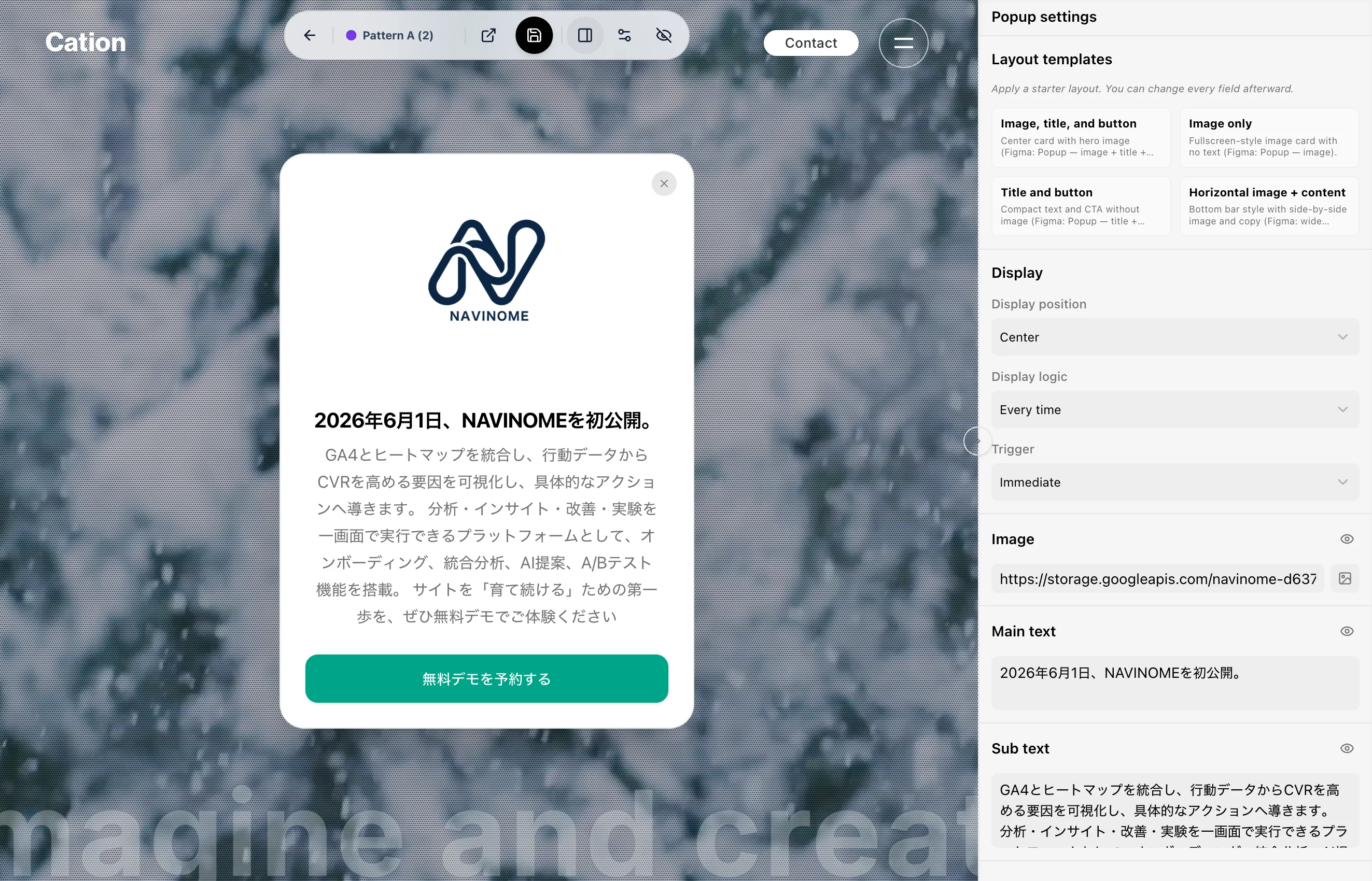
Pop-ups
Test pop-ups for exit prevention and stronger messaging.
Redirects
Compare CVR across different page URLs.
No-code or code.
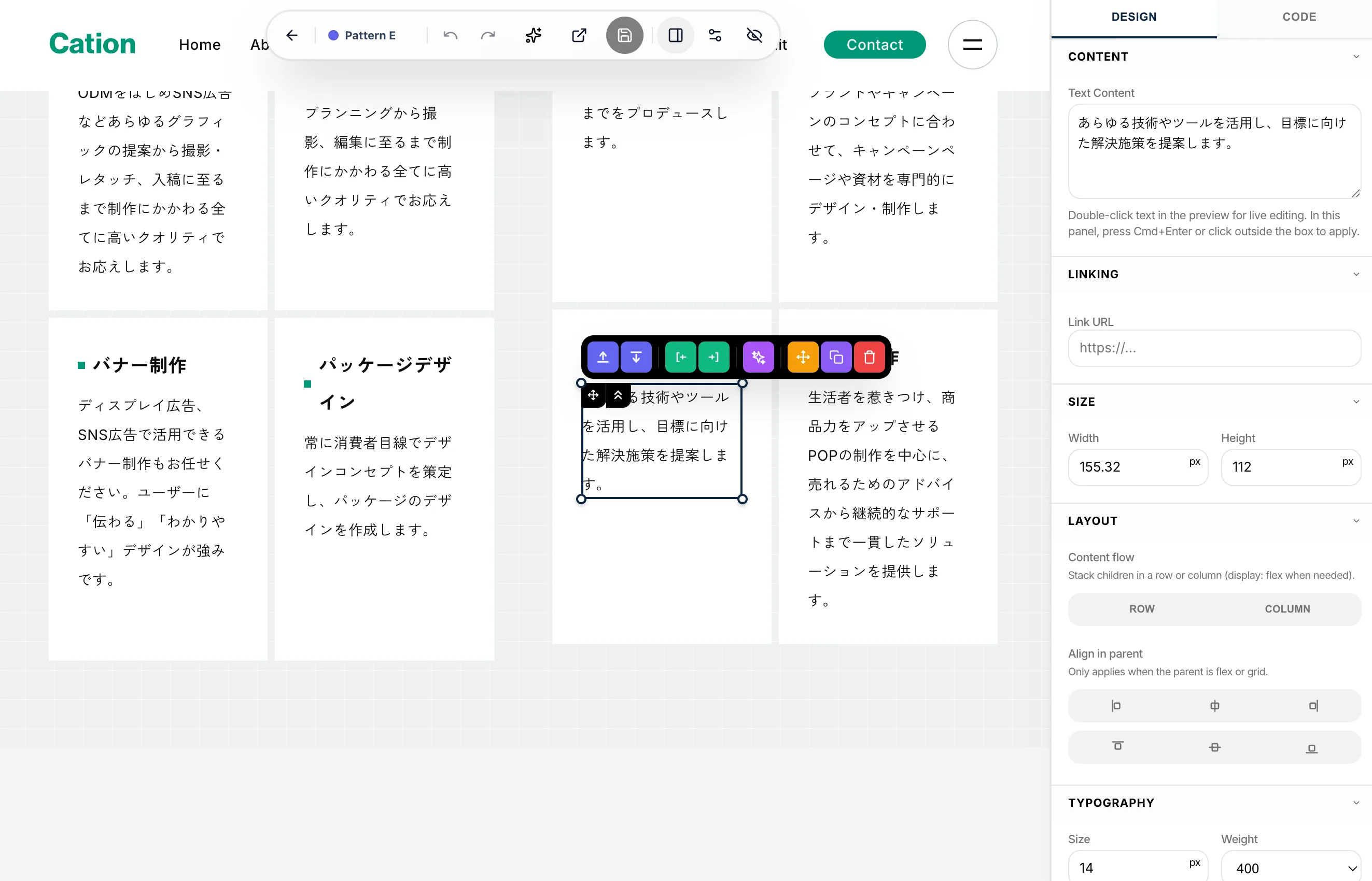
No-code editor
Edit text, images, and buttons with clicks. Built for marketing teams who want to run tests without engineering.
Code editor
Use JavaScript for finer targeting and complex changes when you want to work with engineers.
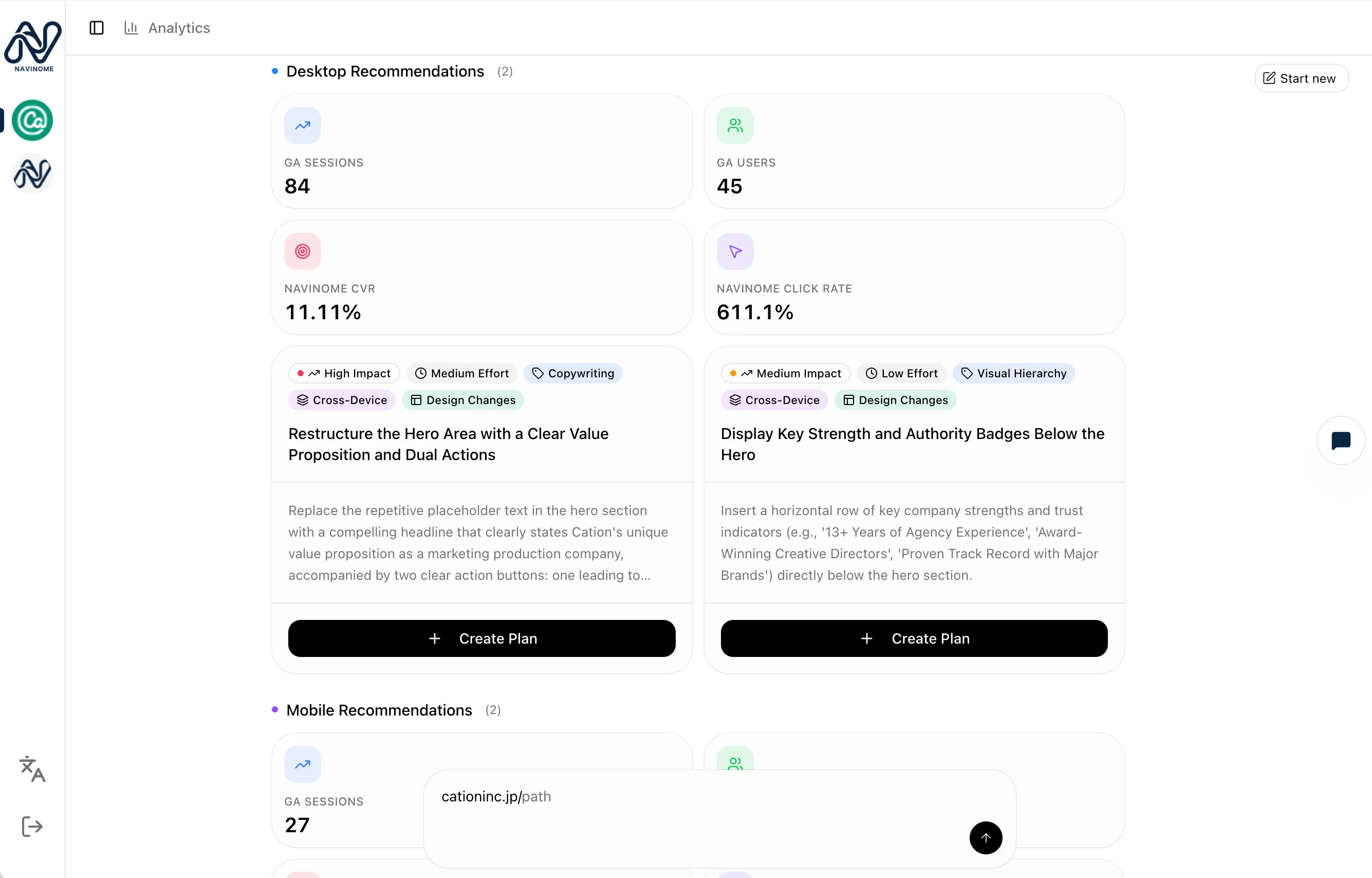
AI helps you decide what to test.
Facts
GA4 + heatmaps
Hypothesis
AI-generated
Test patterns
Review and apply
AI analyzes GA4 and heatmap data to surface evidence-backed improvement hypotheses. Confirmed initiatives can be applied to test patterns with one click.
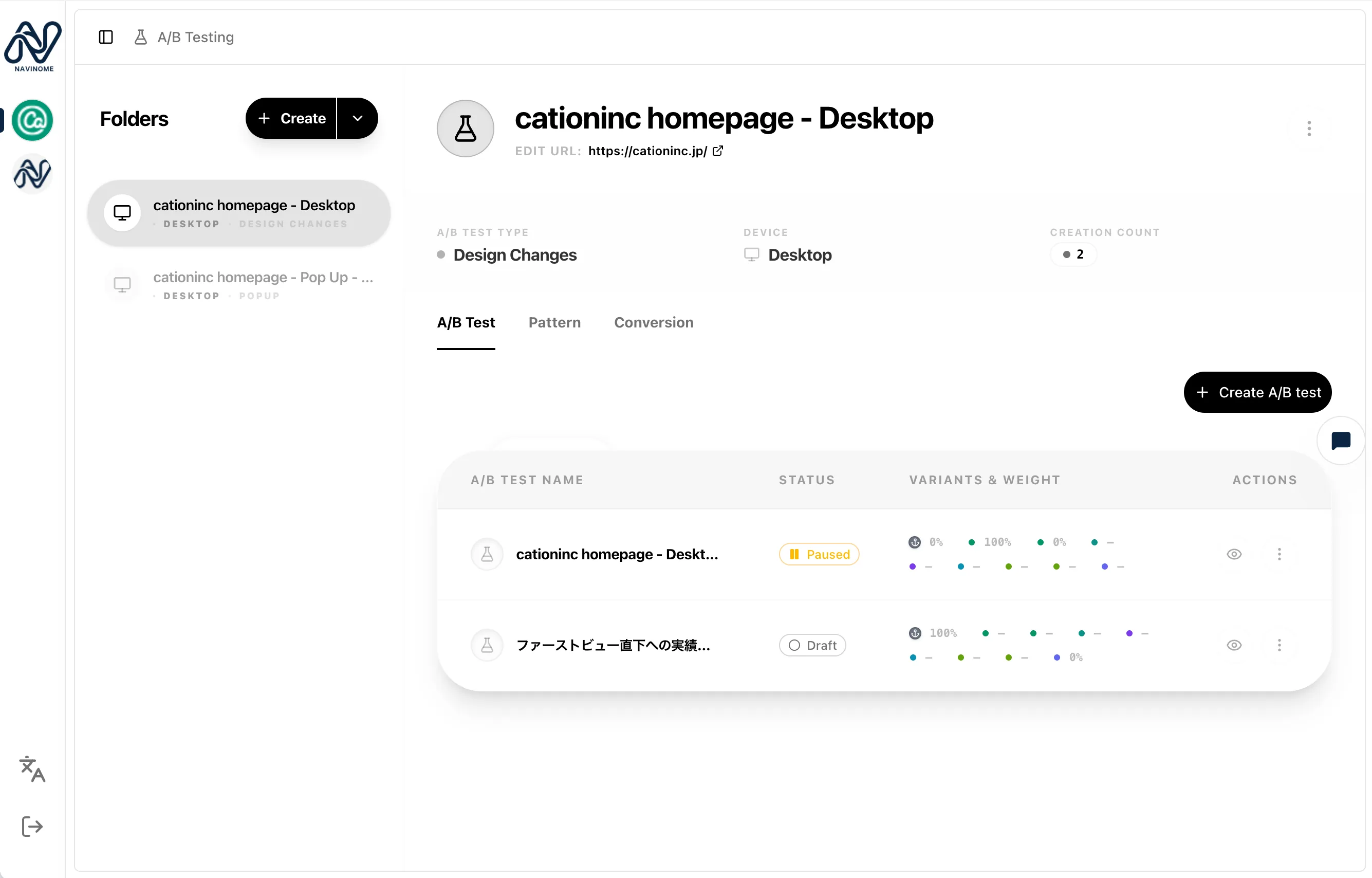
See numbers and behavior together.
Pattern A
3.2%
CVR
Pattern B
2.1%
CVR
Pattern C
2.6%
CVR
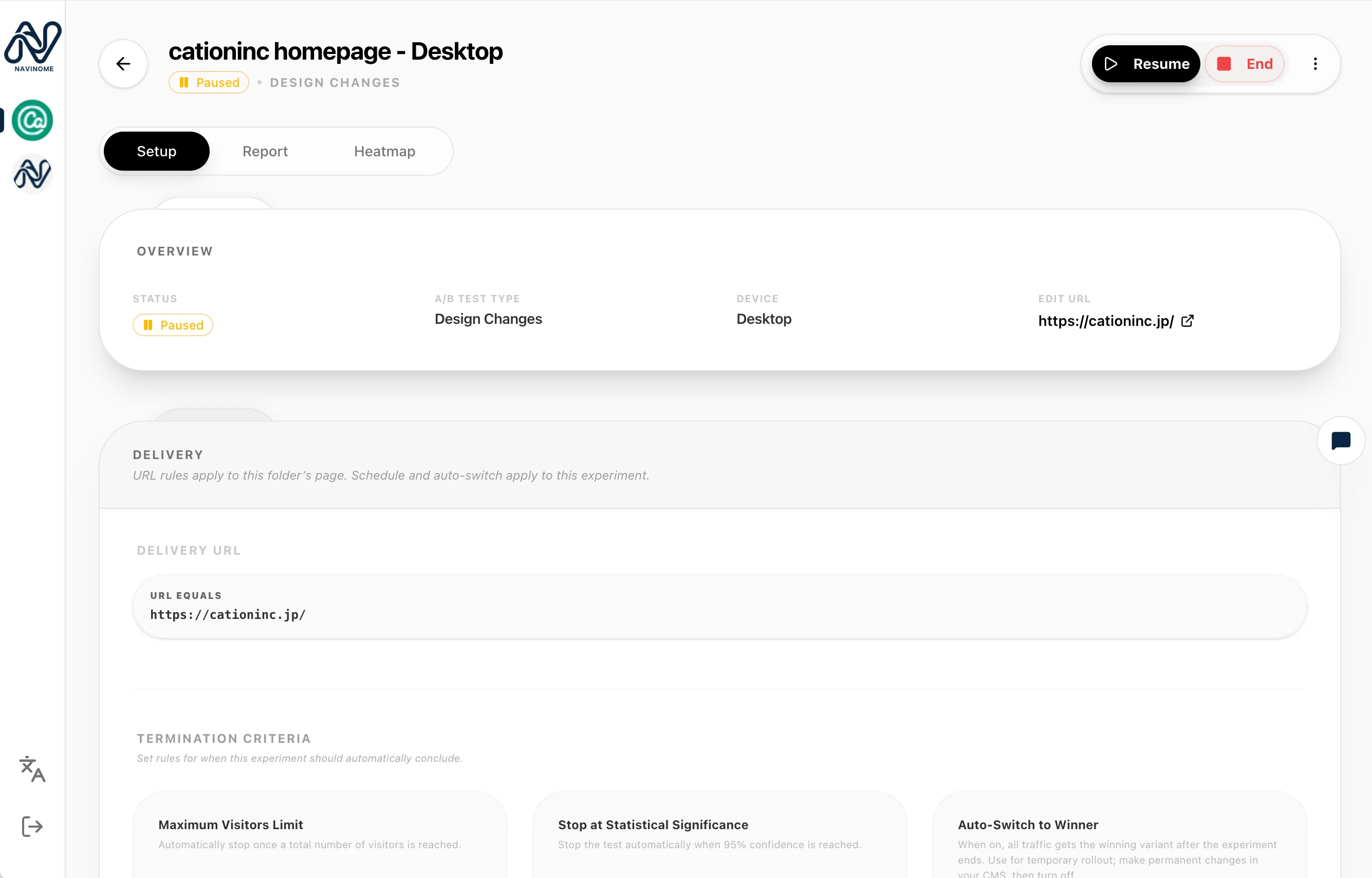
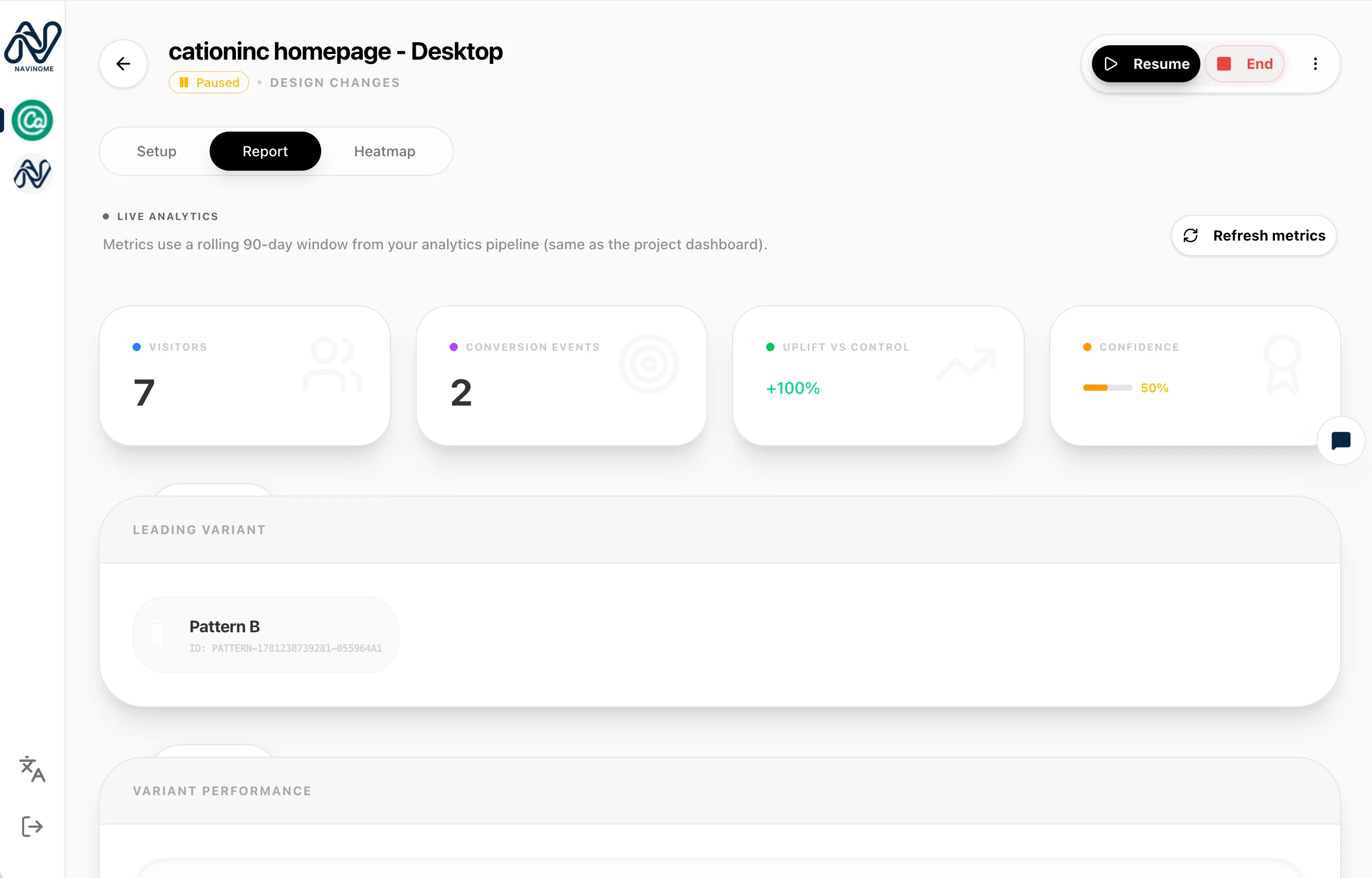
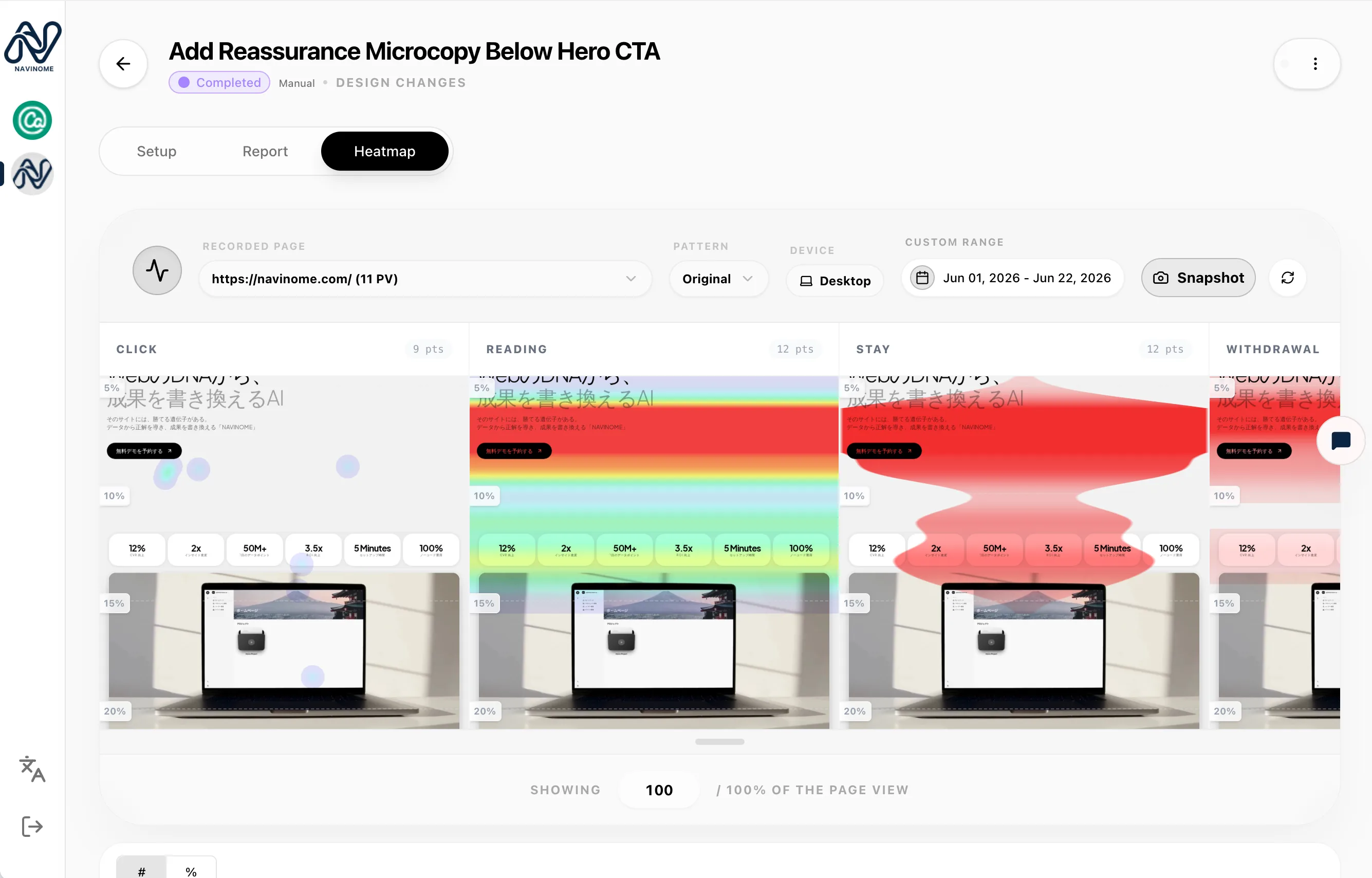
View a separate heatmap for each pattern
Six improvement ideas to try first
Change the first-view impression
Try a different CTA presentation
Adjust the number of form fields
Reorder content sections
Change how pricing and plans are shown
Reach visitors right before they leave
What is A/B testing?
A/B testing prepares two or more versions of a page, shows them to visitors at random, and compares which version drives better results. Instead of guessing what might work, you can decide based on real user behavior.
Big wins from a single change are rare. The fastest path to CVR improvement is to keep running small hypothesis tests and tightening your PDCA cycle.
Related articles
Learn more about A/B testing and CVR improvement



Frequently asked questions
Do I need an engineer to start A/B testing?
With the no-code editor, marketing teams can configure and review tests end to end. When you need more complex changes, the code editor is available too.
Can I view this alongside existing GA4 data?
Yes. GA4 data, A/B test results, and heatmaps can be reviewed on the same dashboard.
How long does it take to see results?
It depends on traffic volume, but we generally recommend running tests for several weeks to reach statistically meaningful results.
Ready to start A/B testing today?
Book a free demo to see the product in action.